
Steam Event Cadence: A Repeatable 90‑Day Plan for Compounding Wishlist Spikes (Updates, Festivals, Sales)
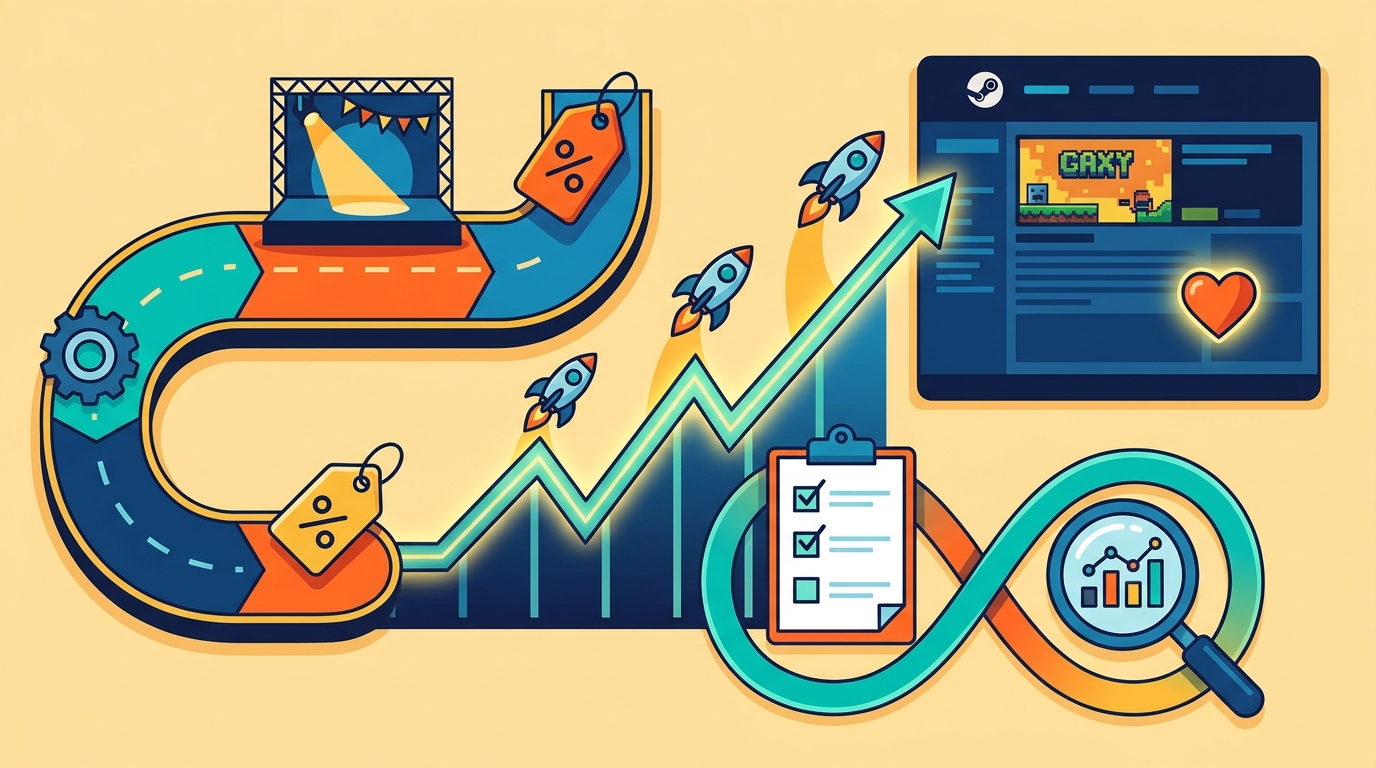
Steam wishlists rarely grow from one “big announcement.” They compound when you run a consistent cadence of Steam Events + Announcements that trains the algorithm (and your players) to expect meaningful beats.
This guide shows how to build a repeatable workflow that turns Updates, Announcements, Festivals, and Sales into predictable spikes—using a 90‑day calendar, an asset checklist, and a post-event analytics loop focused on Steam-native and owned channels.
What “event cadence” means on Steam (and why it compounds)
A Steam event cadence is a planned sequence of player-facing hooks delivered through Steam Events & Announcements (plus your social and mailing list) on a predictable rhythm.
Compounding happens because each beat can: (1) re-engage existing wishlisters, (2) generate new store traffic during high-intent moments (festivals/sales), and (3) improve your next beat by learning what creative and messaging actually converts.
Use the right Steam surface: what to post where
Steam gives you multiple “announcement-like” surfaces, but they behave differently. Treat them as a system, not a dumping ground.
- Steam Events & Announcements (Event posts): Your primary cadence tool. Use for feature reveals, demo updates, festival participation, roadmap beats, and major patches. These can appear in followers’ feeds and can be associated with visibility moments.
- Update posts / Patch notes: Best for detailed change logs. Pair them with a shorter Event post that translates changes into a player-facing hook.
- Store page “Short Description” and “About This Game”: Not “events,” but your conversion layer. Every event should send traffic to a store page that matches the hook.
- Community Hub discussions: Use for feedback threads (e.g., “Demo feedback megathread”). Link them from your event post to keep the conversation in one place.
Rule of thumb: one beat = one hook = one primary Steam link. Everything else supports that path.
The “one hook per beat” rule (and examples that work)
If an announcement tries to sell five things, players remember none. Instead, anchor each beat to a single player-facing hook that answers: “Why should I care today?”
High-performing hook types for Steam
- Feature reveal: “New biome + enemy faction” or “Co-op added.”
- Demo update: “Demo now includes the first boss + 20 minutes more content.”
- Roadmap milestone: “Act 2 is in production—here’s what’s next and when.”
- Soundtrack drop: “OST Volume 1 is live; wishlist the game to get launch discount.”
- Festival/sale angle: “We’re in Next Fest—play the demo and join the livestream Q&A.”
Each hook gets its own hero asset, one headline, and one call-to-action: Wishlist, Play the demo, or Update now.
How often to post (without training players to ignore you)
Consistency beats volume. A practical cadence for most solo devs and small teams is one meaningful Steam Event post every 2–3 weeks, with additional posts only when Steam gives you a reason (festival, sale, major patch).
- Pre-launch: 3–5 major beats in 90 days (plus festival/sale posts if applicable).
- Early Access: 1 major patch beat per month + 1 smaller “what’s next” beat between.
- 1.0 release window: Higher density is fine if each post has a distinct hook (release date, launch trailer, launch notes, first hotfix, first content update).
If you’re unsure, default to: announce only when the store page experience is ready to convert (capsule, trailer, screenshots, tags, demo build, or discount).
Your reusable workflow: one-source-of-truth timeline → templates → links → sync → review
The goal is to stop reinventing your launch every time. Build a workflow you can run for every update, festival, and release.
1) One-source-of-truth timeline (90-day rolling calendar)
Use one calendar that includes Steam posts, build deadlines, asset production, and measurement windows. A rolling 90-day view is long enough to plan, short enough to stay real.
GameTrowel’s launch timeline planner is built for this: you can map beats, attach task templates (assets, store page checks, demo build steps), and keep everything in one place instead of scattered docs.
2) Steam announcement template (so every beat is shippable)
Create a reusable structure for every Steam Event post. You’ll write faster, and your posts will be more scannable.
- Headline: Hook + outcome (e.g., “Demo Update: New Boss + 30 Minutes More Content”).
- Hero media: One GIF or short clip that demonstrates the hook in 2 seconds.
- 3-bullet value: What’s new, who it’s for, why it matters.
- CTA: One action (Wishlist / Play Demo / Update Now).
- Support links: Patch notes, roadmap, feedback thread (optional, but organized).
In GameTrowel, you can save this as a content template and generate variations (Steam, newsletter, socials) from the same source text.
3) UTM + link hygiene (so your analytics aren’t useless)
Steam will show you wishlists and traffic, but your external clicks can become a blur if you don’t standardize links. Use UTMs consistently so you can compare beats apples-to-apples.
- utm_source: twitter, bluesky, mastodon, newsletter, discord
- utm_medium: social, email, community
- utm_campaign: 2026-06-demo-update-2 (date + hook)
- utm_content: gif1, trailer15s, screenshot3 (asset identifier)
Keep a single “link registry” per beat: one canonical store link, one demo link, one patch notes link. GameTrowel can store these alongside the beat and reuse them across scheduled posts to prevent mismatches.
4) Social + mailing list synchronization (owned channels, one message)
Steam is the hub, but your owned channels amplify the beat. The trick is synchronization: the same hook, adapted to each channel’s format, published within a tight window.
- T‑0 (Steam post): Publish the Steam Event first so every other channel links back to Steam.
- T+0 to T+2 hours (social): 1–2 posts with the hero asset + one line hook + link.
- T+24 hours (newsletter): Slightly longer context + the same CTA + a secondary link (roadmap/patch notes).
GameTrowel helps by letting you draft once, then schedule cross-posts and send a mailing list campaign using the same beat metadata and UTMs.
5) Post-event analytics review loop (the compounding part)
Every beat should end with a short post-mortem within 48–72 hours, then a second check 7 days later. You’re looking for repeatable signals, not vibes.
- Wishlists/day: baseline vs spike vs decay (how long did the lift last?).
- Store page visits: did traffic actually increase?
- Conversion: wishlists per visit (did the page sell the hook?).
- Demo downloads (if applicable): did the demo beat move players into hands-on engagement?
- CTR by asset: which GIF/clip got clicks (use UTM content IDs).
Put the results into a simple dashboard: one row per beat. GameTrowel’s analytics dashboard and monitoring can centralize performance signals so you’re not juggling spreadsheets and screenshots.
Decision rule: If a beat drove visits but not wishlists, fix the store page and positioning. If it drove neither, fix the hook and creative. If it drove both, repeat the pattern with a new hook.
A 90‑day Steam event cadence calendar (copy/paste structure)
This is a reusable 12-week calendar you can adapt to pre-launch, Early Access patches, or 1.0. The key is that each beat has: hook → Steam Event post → sync → review.
Weeks 1–2: Hook #1 (Feature reveal)
- Build: finalize feature slice + capture footage.
- Steam: Event post with 1 hero GIF + 3 bullets + wishlist CTA.
- Owned sync: 1 social post day-of, newsletter next day.
- Review: wishlists/day and visits for 72 hours; log baseline.
Weeks 3–4: Hook #2 (Demo update or roadmap milestone)
- Build: demo patch + “what’s new” notes.
- Steam: Event post focused on what players can play now.
- Owned sync: social clip showing the new demo moment.
- Review: demo downloads + wishlist conversion per visit.
Weeks 5–6: Hook #3 (Festival or seasonal moment)
- Prep: update capsule/trailer if needed; ensure demo is stable.
- Steam: Festival participation post (what to do, when, why now).
- Owned sync: reminder posts during the event window.
- Review: compare festival days vs non-festival days; note best-performing assets.
Weeks 7–8: Hook #4 (Soundtrack, behind-the-scenes with player value, or QoL patch)
- Build: shippable value (OST drop, accessibility options, performance gains).
- Steam: Event post emphasizing player benefit (“runs better on Steam Deck,” “new options”).
- Owned sync: newsletter with a short dev note and CTA.
- Review: CTR by asset; watch for conversion changes.
Weeks 9–10: Hook #5 (Major update announcement or release date/plan)
- Prep: update store page sections to match the promise.
- Steam: Event post: “Next major update lands on X” or “Release date reveal.”
- Owned sync: social + newsletter within 24 hours.
- Review: spike size vs prior beats; note whether clarity improved.
Weeks 11–12: Hook #6 (Sale/discount or “last chance” framing)
- Prep: ensure discount messaging is consistent and honest.
- Steam: Sale event post (what’s discounted + what’s new since last time).
- Owned sync: one reminder mid-sale with a different asset.
- Review: wishlists/day during sale + post-sale decay; log learnings.
Asset checklist (per beat) that keeps you shipping
Most cadence failures aren’t strategy—they’re missing assets. Use this checklist per beat so you can publish on time.
- 1 hero GIF or 6–12s clip that shows the hook immediately.
- 1 fallback image (screenshot with short caption overlay, if you use text).
- Steam Event copy using your template (headline, 3 bullets, CTA).
- Patch notes or roadmap link (only if it supports the hook).
- UTM-tagged links for each channel + asset ID.
- Two social variants: one “what’s new,” one “why it matters.”
- Newsletter variant: 150–250 words + one primary CTA.
GameTrowel’s landing page builder and content tools can also help you spin up a temporary “event landing page” (e.g., for a demo update) while keeping the Steam store page as the conversion endpoint.
Example cadences you can reuse
1) Pre-launch cadence (90 days to release or demo spotlight)
- Beat 1: Feature reveal (new system/biome) → CTA: Wishlist
- Beat 2: Demo update (more content) → CTA: Play demo
- Beat 3: Festival participation (if applicable) → CTA: Play demo + wishlist
- Beat 4: Roadmap/release plan (date window) → CTA: Wishlist
- Beat 5: Launch date + trailer (when ready) → CTA: Wishlist
Measurement focus: wishlists/visit. Pre-launch is about improving conversion as much as raw traffic.
2) Early Access major patch cadence (monthly patch + mid-month beat)
- Mid-month: “What’s coming” roadmap checkpoint → CTA: Follow / Wishlist / Return
- Patch week: Major patch Event post + separate detailed patch notes → CTA: Update now
- 48 hours later: Feedback thread + small QoL hotfix note (only if meaningful) → CTA: Tell us what to fix next
Measurement focus: returning players proxies (demo downloads don’t apply; track wishlists/day lift and store traffic, and correlate with update timing).
3) 1.0 release cadence (tight, distinct hooks)
- T‑21 to T‑14: Release date + “what’s in 1.0” hook → CTA: Wishlist
- T‑7: Launch trailer / final demo update (if you have one) → CTA: Wishlist / Play demo
- T‑0: “Out now” Event post → CTA: Buy (plus wishlist for late deciders)
- T+2: First hotfix notes framed as player value → CTA: Leave a review / Update
- T+7: “Week 1 stats + what’s next” roadmap beat → CTA: Stay with us
Measurement focus: CTR by asset and conversion by message. Your creative choices matter more during dense windows.
Common mistakes that break compounding
- Posting without a hook: “Dev update #12” is not a reason to click.
- Mixing CTAs: Don’t ask players to wishlist, join Discord, read patch notes, and watch a trailer in one post.
- No measurement IDs: If you can’t attribute clicks to assets, you can’t improve.
- Not updating the store page: Announcing “new combat” while your store page still sells “cozy farming” kills conversion.
- Skipping the post-mortem: The review loop is where compounding is created.
Call-to-action: make your cadence easy to repeat
Ready to streamline your Steam cadence and measurement loop? GameTrowel brings planning, templates, scheduling, and analytics together in one platform — get started free.
Ready to launch your indie game?
GameTrowel gives you everything you need — landing pages, press kits, outreach tools, media monitoring, and more — all in one platform.