
The Micro‑Community Playbook for Indie Games: A Lightweight Discord + Steam System That Generates Playtesters, UGC, and Repeat Wishlists
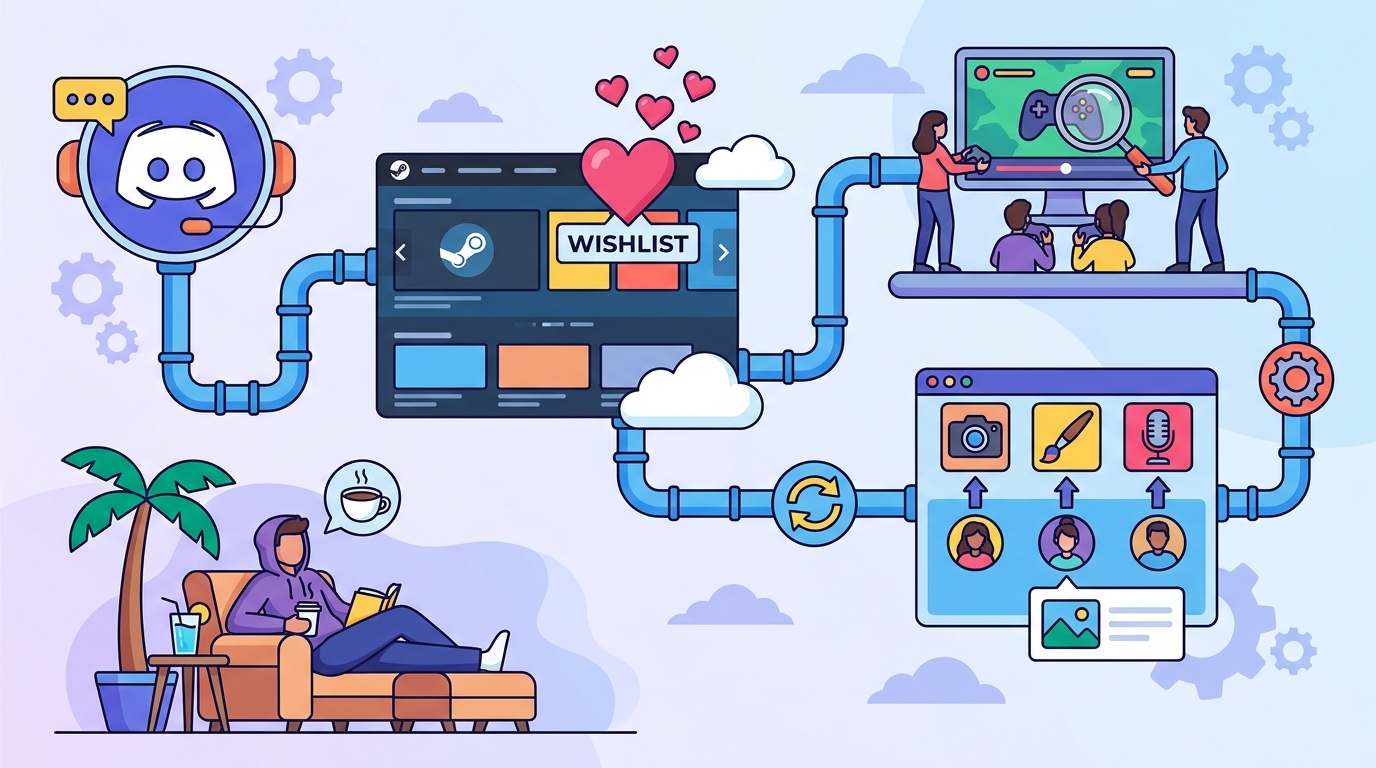
Big communities look impressive, but small, focused communities ship games.
A micro‑community is a tight loop of players (often 50–500) who reliably show up to playtest, post clips, answer polls, and re‑wishlist when you update your Steam page—without you living in Discord 24/7.
This guide gives you a repeatable system for channel architecture, onboarding, weekly cadence, community-led events, moderation SOPs, and measurement—plus templates you can copy/paste.
What a “micro‑community” is (and why it works)
Micro‑communities win because they optimize for signal over scale.
You’re not trying to entertain everyone; you’re building a consistent pipeline: new member → oriented → participates → playtests → creates UGC → shares → wishlists (again).
- Playtesters: you can recruit in hours, not weeks.
- UGC: clips, fan art, memes, guides, mod ideas, screenshots.
- Repeat wishlists: community moments give you reasons to update your Steam page and post news that reactivates interest.
System #1: Channel architecture that separates “feedback” from “hype”
Most Discords fail because everything happens in one chat.
Design for two modes: playtesting/feedback (structured, searchable) and hype/community (fun, social, low friction).
Recommended Discord channel layout (minimal but complete)
Keep it lean: 10–14 channels total is plenty.
- START HERE
- #welcome (what the game is + what to do next)
- #rules (short, enforceable rules)
- #roles (self-assign: platform, spoiler tolerance, playtester)
- #announcements (locked; only you/mods)
- COMMUNITY
- #general (social glue)
- #screenshots-clips (UGC funnel)
- #fan-art (optional; combine with clips if small)
- #off-topic (optional; only if #general gets noisy)
- FEEDBACK + PLAYTEST
- #playtest-announcements (dates, builds, how to join)
- #bug-reports (template-based)
- #feedback-thread (one thread per topic/build)
- #balance-design (optional; only if your game needs it)
- STEAM HUB
- #steam-news (mirror your Steam announcements)
- #wishlist-milestones (celebrate + call-to-action moments)
Steam Community Hub: keep it “official” and searchable
Steam discussions are where players go when they’re already in buying mode.
- Pinned: “Start Here / FAQ”, “Known Issues”, “How to Report Bugs”, “Roadmap (short)”.
- Tags: use prefixes like [Bug], [Suggestion], [Guide], [Clip].
- Moderation: tighter tone than Discord; fewer memes, more clarity.
Rule of thumb: one place per behavior
If you want clips, don’t let them drown in #general.
If you want actionable feedback, don’t let it mix with hype. Structured channels reduce your moderation load and make it easier for members to contribute.
System #2: Onboarding flow that turns lurkers into contributors
Onboarding is where micro‑communities are won. Your job is to remove uncertainty: “What do I do here?”
Welcome message: 3 steps, 60 seconds
Pin a short message in #welcome and repeat it in an auto‑DM (if you use a bot).
Welcome to [Game Name]! In 60 seconds you can help shape the game:
1) Grab roles in #roles (platform + playtester).
2) Introduce yourself in #general with: favorite game, your platform, and what you want to test.
3) If you want playtest access, fill this 30‑sec form: [link].
Roles that matter (and reduce noise)
Roles should reflect actions, not identity.
- Platform: PC / Steam Deck / Mac / Linux / Console (future).
- Playtester: opt-in role to ping only people who asked.
- Spoilers: “No spoilers” vs “Spoilers OK” for threads/channels.
- Creator: streamers/YouTubers who want early info (optional).
Prompts that reliably get responses
Use prompts that are easy and specific.
- “Post your last screenshot from any game (no context needed).”
- “What’s your 30‑minute comfort game?”
- “If you could fix one thing about [genre], what is it?”
These seed conversation and give you language you can reuse on your Steam page.
System #3: A weekly content cadence you can sustain
Burnout happens when you improvise content daily.
Instead, run a small “broadcast schedule” with 3 recurring posts that train your community to show up.
The 3-post weekly cadence (20–40 minutes total)
- Monday: “This week in dev” (1 GIF + 3 bullets)
- Wednesday: Poll or choice (one decision, two options)
- Friday: Community spotlight (clip/art + thank you + CTA)
Mirror the best posts to your Steam announcements when they’re meaningful (demo updates, milestones, major features).
Devlog format that doesn’t eat your life
Devlog #12 — [Feature]
What changed: 2–3 bullets.
Why it matters: 1 sentence.
What I need from you: one question + link to feedback thread.
If you use GameTrowel, you can draft this once and repurpose it across Discord, Steam, TikTok captions, and your mailing list using the platform’s AI content generation and cross-post scheduling.
Patch notes: short, consistent, and test-oriented
For micro‑communities, patch notes are not marketing—they’re instructions.
- Added: new content/features.
- Changed: tuning and UX.
- Fixed: top bugs players reported.
- Testing focus: “Please try X and report Y.”
System #4: Community-led events that generate UGC without you hosting everything
The goal is to create “moments” players want to share.
Pick event formats that are repeatable, low setup, and easy to judge.
Event menu (choose 1 per month)
- Art contest: “Draw a new enemy/item” (prize: name in credits, role, key).
- Speedrun challenge: “Fastest time on Seed #042” (post clip + timer screenshot).
- Streamer night: 2-hour window where you’re available for Q&A in chat.
- Community goal: “Hit 50 bug reports this weekend” (gamify testing).
- Caption contest: one screenshot, best caption wins (great for social).
How to run events without chaos
Use a single event thread/channel and a strict submission format.
Submission format: IGN + platform + link/attachment + (optional) 1 sentence context.
Announce a start and end time, and state how winners are chosen (community vote, dev pick, random draw).
Prizes that don’t cost money
- Discord role (e.g., “Playtest MVP”).
- Name something (NPC, item, achievement text).
- Credits shoutout (with permission).
- Early build access (time-boxed).
For keys and access, GameTrowel’s key distribution and request management helps you avoid manual DM chaos and track who received what.
System #5: Moderation SOPs and escalation (so you’re not the “always-on” mod)
Moderation is a process, not a personality trait.
Write a one-page SOP so you (and any volunteer mod) can act consistently.
Core rules (short and enforceable)
- Be respectful: critique ideas, not people.
- No harassment/discrimination: zero tolerance.
- No spam/self-promo: unless approved in a specific channel.
- Stay on topic in feedback channels: use #general for chat.
Escalation ladder (copy/paste)
Step 1 — Nudge (public): “Hey! Please move this to #general so feedback stays readable.”
Step 2 — Warning (DM): “This is a warning for [behavior]. Next step is a timeout.”
Step 3 — Timeout: 24h mute + note in mod log.
Step 4 — Ban: harassment, hate speech, doxxing, repeated violations.
Moderation timeboxing
Set office hours: two 15-minute checks per day (or one per day if tiny).
Use slowmode in high-traffic channels during announcements or heated feedback cycles.
System #6: Converting community moments into Steam updates and social clips
Your community is a content engine—if you capture it.
Create a simple workflow: Collect → Curate → Publish → Loop back.
Collect: one channel that feeds everything
Make #screenshots-clips the canonical source.
Pin a message asking for permission to repost, and require minimal context.
Posting rule: By sharing here, you’re OK with us reposting with credit. If not, add “NO REPOST.”
Curate: weekly “best of” shortlist
Every Friday, pick 3 items:
- 1 clip that shows the core fantasy.
- 1 moment that’s funny/unexpected (meme energy).
- 1 piece of feedback that led to a real change.
Publish: turn moments into store-page improvements
- Steam store page: update a GIF, add a new screenshot, refine a feature bullet based on player language.
- Steam announcement: “You asked, we shipped” posts (high trust).
- Social: clip + caption + CTA (“Wishlist on Steam”).
GameTrowel helps by tying this together: draft a Steam post, generate variants for social, schedule them, and track results in one analytics dashboard.
System #7: Measuring community health (so you know what to fix)
Don’t measure vanity metrics first. Measure whether the community produces outcomes.
Micro‑community health dashboard (weekly)
- Active members: people who posted/reacted in the last 7 days.
- Retention: % of new members who are still active after 14 days.
- Playtest signups: new signups per week + show-up rate.
- UGC volume: clips/screenshots/fan art per week.
- Feedback throughput: # of actionable reports + % you responded to.
- Wishlist spikes: correlate spikes with events, Steam posts, demo updates.
Use these signals to adjust your cadence. If retention is low, fix onboarding. If UGC is low, run a clip challenge. If playtest show-up is low, shorten sessions and clarify expectations.
GameTrowel’s Steam tools (wishlist tracking, competitor research, tag analysis) help you connect community activity to store performance, so you’re not guessing what moved the needle.
Templates you can copy/paste
Template: Discord announcement (build/playtest)
Playtest #05 is live — [Date/Time] (60–90 min)
Build: v0.4.2
Goal: Test [feature/loop] + find blockers.
How to join: 1) Grab the @Playtester role 2) Download here: [link] 3) Post feedback in #feedback-thread (thread: “v0.4.2”).
Testing focus: Please try [specific scenario] and report: (a) where you got stuck, (b) any crashes, (c) your 1–10 fun rating.
Template: Feedback thread opener (structured)
Feedback Thread — v0.4.2
1) What did you do? (steps)
2) What did you expect?
3) What happened instead?
4) Severity: Blocker / Major / Minor / Suggestion
5) Specs: OS + GPU + controller (if relevant)
Template: Poll that drives a decision
Quick vote (ends in 24h): Which feels better for the next build?
A) Faster dodge (short i-frames)
B) Slower dodge (long i-frames)
Reply with A or B and tell me why in one sentence.
Template: UGC prompt (clips/screenshots)
Clip Challenge: Post your best 10–20 sec moment by Sunday.
Theme: “Most chaotic win”
How to submit: Upload here + add your Steam handle.
Prize: “Chaos Champion” role + credited shoutout in next Steam post.
Putting it all together: the 30-day micro‑community rollout
Week 1: Foundation
- Set channel architecture + pins.
- Write rules + escalation ladder.
- Create playtest signup form and a single feedback thread format.
Week 2: Onboarding + first loop
- Run a small playtest (10–20 people).
- Post one devlog and one poll.
- Respond to feedback with “You said / We did” notes.
Week 3: UGC engine
- Launch a clip challenge.
- Spotlight 3 community posts.
- Turn 1 community moment into a Steam announcement or store-page update.
Week 4: Repeat + delegate
- Promote 1–2 trusted members to helper/mod roles.
- Timebox moderation and content creation.
- Review metrics and prune/merge channels if needed.
Call to action
Ready to streamline your game launch? GameTrowel brings community building, Steam tools, outreach, scheduling, and analytics into one platform—get started free.
Ready to launch your indie game?
GameTrowel gives you everything you need — landing pages, press kits, outreach tools, media monitoring, and more — all in one platform.